 GAME THE SKY
Every game we make, you can remake.
Play our games free, then make them yours: cast your friends as the heroes, the villains and the extras, redraw the levels, swap in your own art, words and sounds, and send it to the people in it.
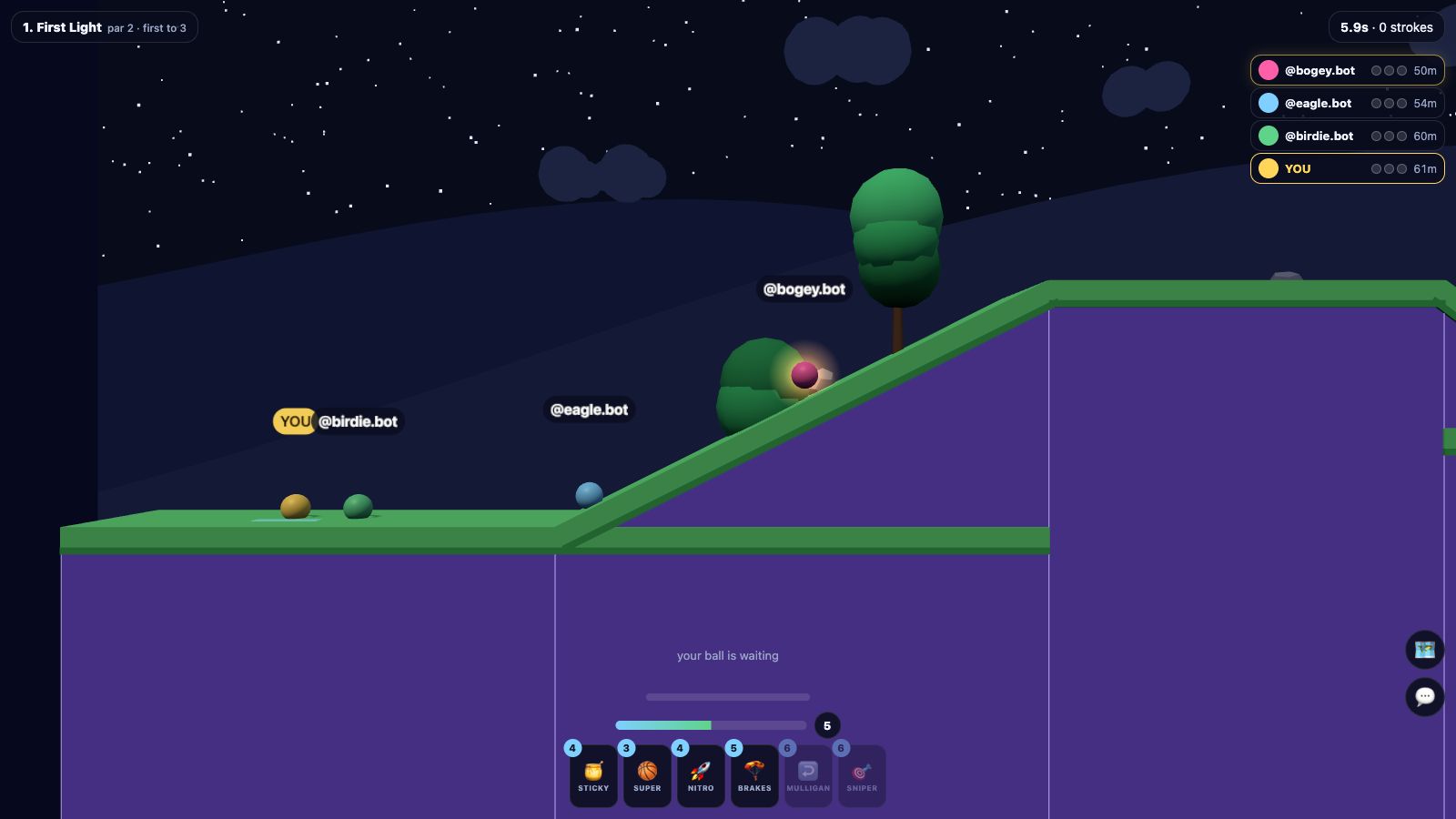
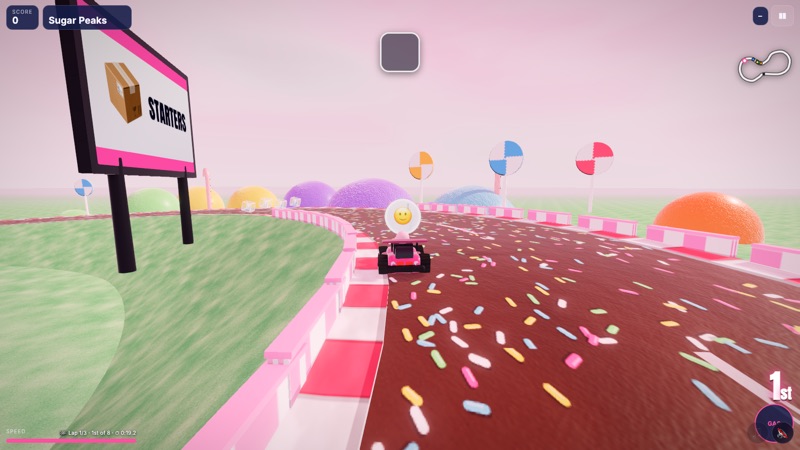
Open any game, tap Play live, and send the room’s code or link. Everyone plays from their own browser or phone, no account needed. In golf, Kart the Sky, Race the Sky, light trails and the canyon you’re all in the same world, bumping, bombing and racing each other; in Sky Tanks you fight the maze together; and every other game plays side by side, the same chapter on the same seed, with a live scoreboard and the standings at the end. It works in the games we make and in every game you make.
Any game page here, ours or one someone made, and tap Play live. Pick the chapter and how many seats.
A five-letter code like FKRTB, or the link, which carries its own card on Bluesky.
Everyone taps Ready, the host starts, and the standings show at the end. Rematch from the same page.
Rooms seat up to six. Every player’s page runs the same game from the same moves, so nobody can cheat the standings, and a signed-in player’s run goes on the chapter’s live board.
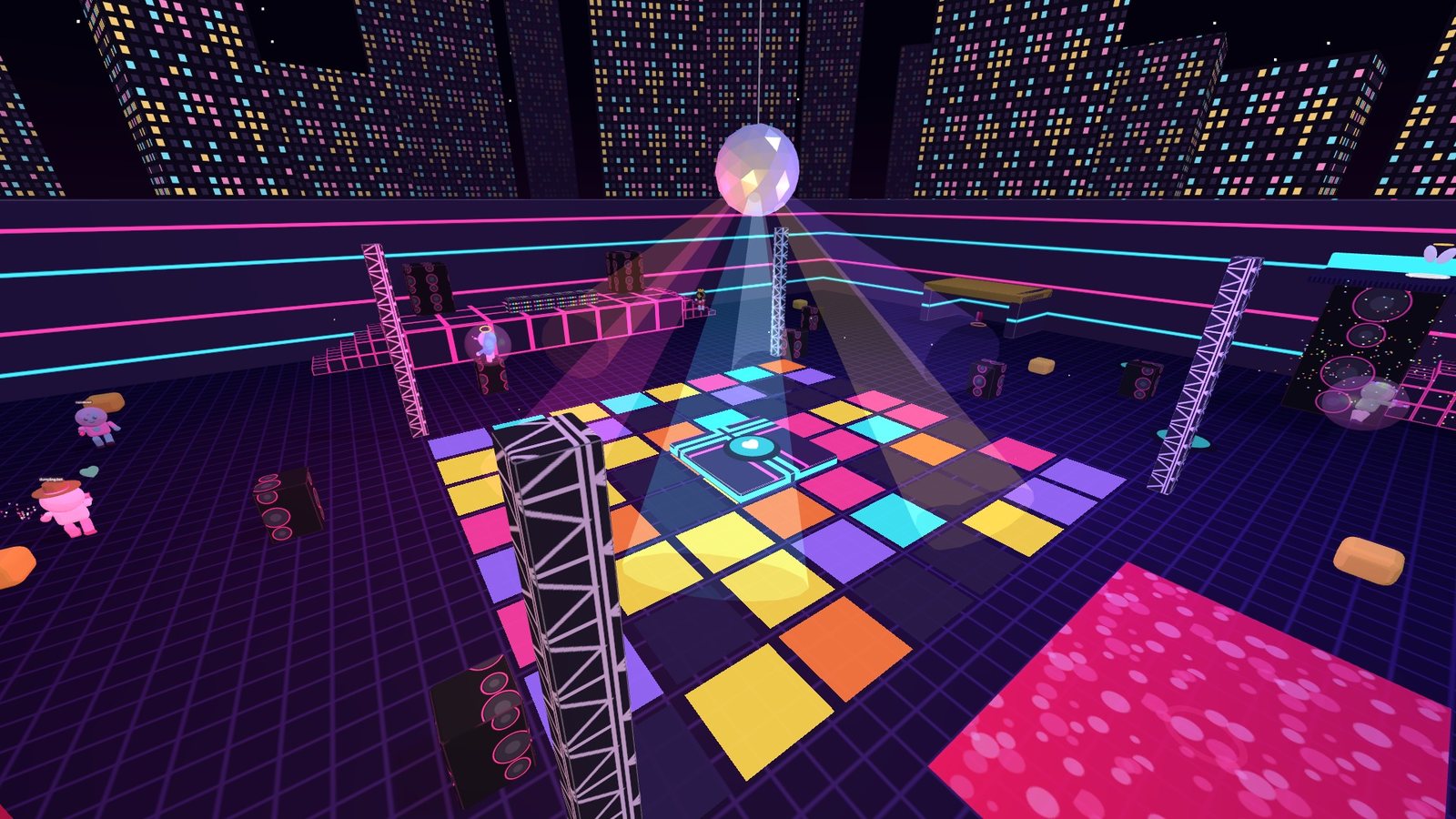
A real-time multiplayer arena shooter where you play as your Bluesky avatar, a bobblehead toy, and “kill” people with love. Blast hearts, draw Cupid’s Bow for a one-shot Smite, and fill everyone’s Love meter until they’re Smitten.
Finding games…
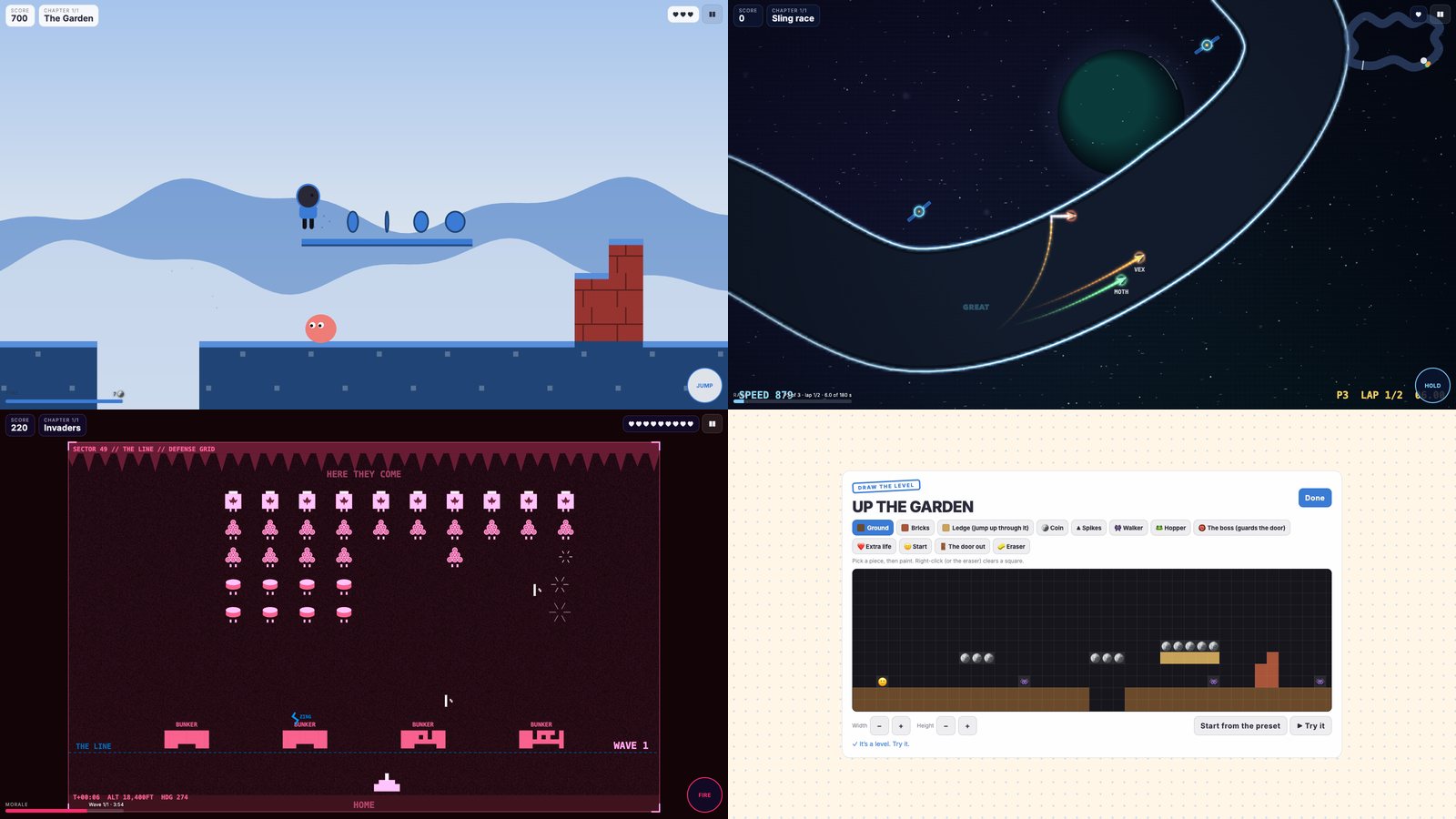
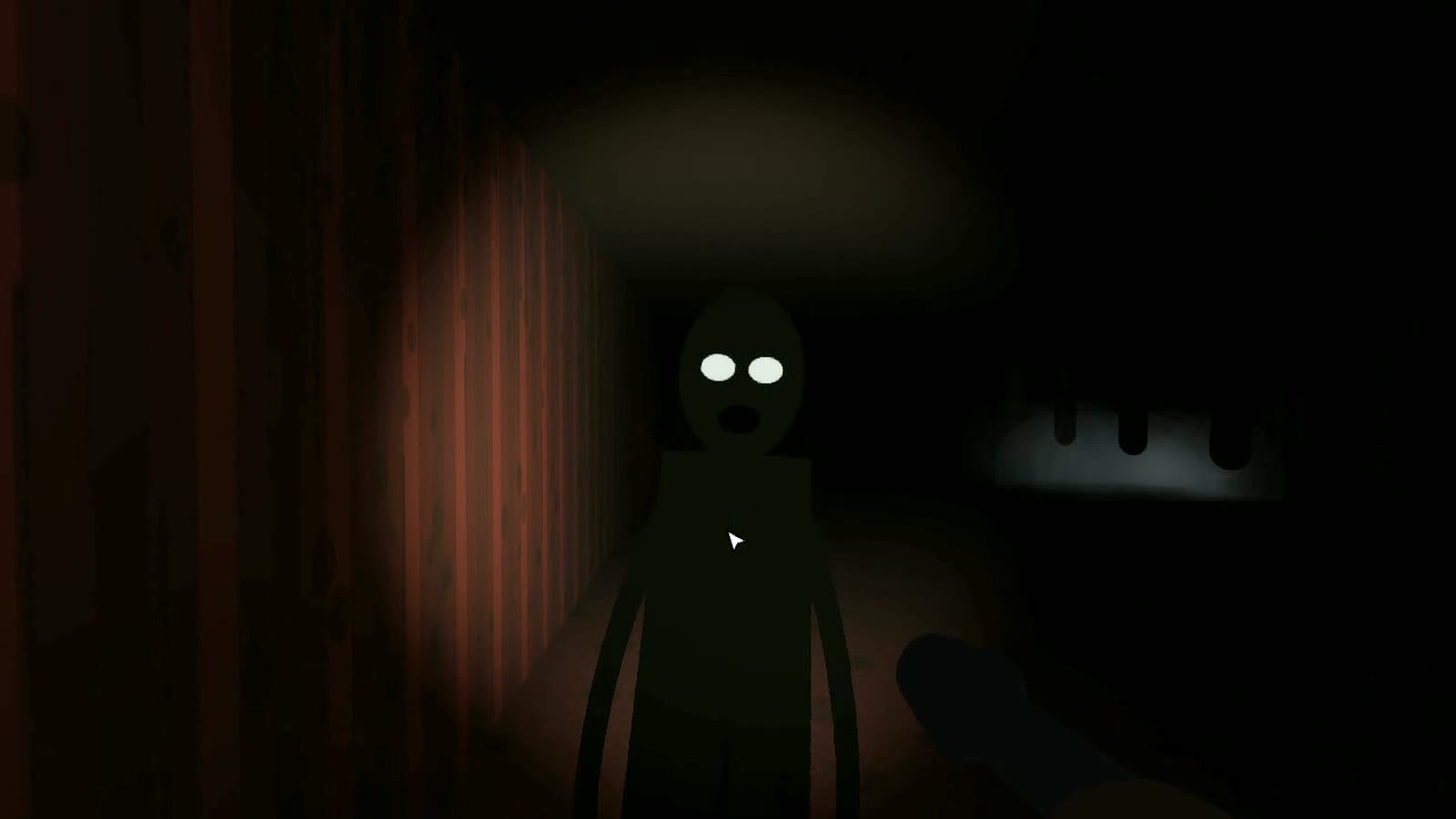
Build a game out of chapters from our real games: open on a platformer level you drew, go through a haunted house, then a fight, a sling race, a round of Saucer Swarm. Dress it in your colors, cast it with your people, and send the link. Every run is replayed before it ranks, and the game lives in your Bluesky repo.
Pick who it’s for, make them the star or the villain, write them a message and send them their own game. They don’t need an account to play.
Ready-made games: cast your people, swap a few words and pictures, send it.
Finding the templates…
Sign in with Bluesky to publish games and put runs on their boards.
Game the Sky is an independent studio. Every game signs you in with your Bluesky account through the AT Protocol, so there's no new account to make and nothing to lose if a company moves on: your games, runs, tracks and holes are records in your own repo, readable by anyone who cares to look. The games are free, all of them, and so is making your own: there's nothing to buy, and nothing is ever locked.
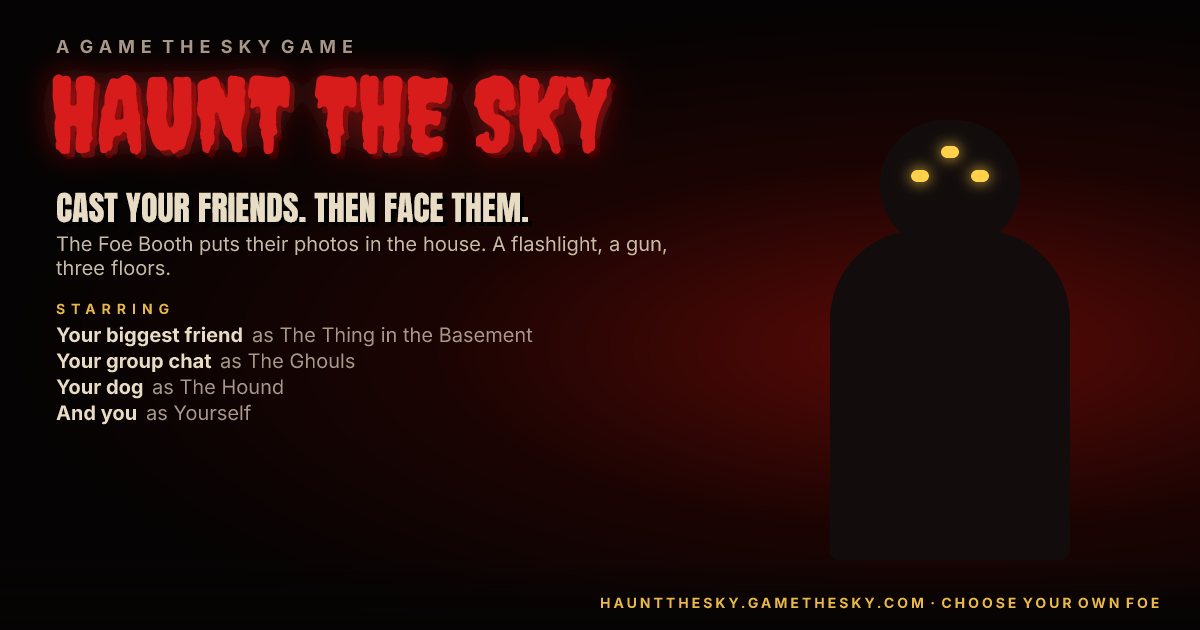
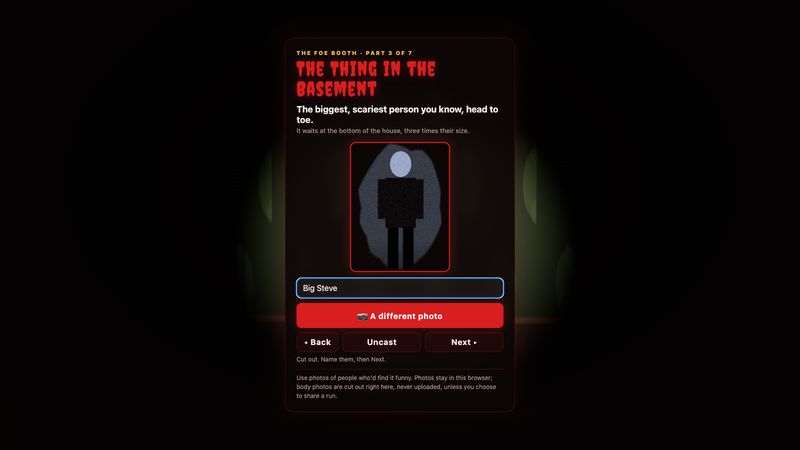
⭐ @gamethesky.com🚀 @racethesky.app⛳ @golfthesky.app🐉 @skyrealm.app🦋 made by @toddlambert.comEvery other game hands you its villains. Ours ask who they should be. Cast your heroes, foes, villains and extras, one photo each, and then they come for you: your boss as the villain, your group chat as the foes, your mom on the portraits, you as the hero. It works in the games we make and in every game you make: cast it once and they turn up in every chapter, from the haunted house to the saucer swarm.
One photo a person: their face is framed and their figure cut out of the background as you go. Anyone can play any part.
They walk the halls, climb the lanes, step into the ring and fly the rival ships, wearing the faces you gave them.
Put them in a game you made and publish it, or save a run, billed like a movie poster with a replay anyone can watch.
Your photos are cut out and kept in your own browser, never uploaded. They go anywhere only if you flip the switch when you publish a game or save a run, and then they’re yours, in your own Bluesky repo.
Screenshots straight out of the games at 1600×900, and each game's icon. Use them however helps: posts, videos, write-ups. A link back is lovely.
Any of these shows this page on the TV. Then plug in or pair a game controller (Xbox, PlayStation or Switch Pro) with this computer or phone, switch on 📺 TV mode, and play from the couch.
On an iPhone or iPad: swipe down from the top right corner, tap Screen Mirroring (two rectangles), pick the Apple TV. On a Mac: Control Center, Screen Mirroring. Use Screen Mirroring, not the AirPlay button: AirPlay only sends videos, and a game isn't one, so it won't show up there. Turn the phone or iPad sideways for the whole screen.
In Chrome on a computer: the ⋮ menu, then “Cast, save, and share”, then “Cast…”; under Sources choose “Cast tab”, and pick the Chromecast or Google TV. The game stays running here; the TV shows it.
Plug the laptop into the TV, pick that input on the TV, and make the game full screen (📺 TV mode does). The surest way, and no lag.
Open gamethesky.com in the browser on a smart TV, a game console or a streaming stick, find the game, and pair a controller with the TV if it takes one.
Controllers: plug one in by USB or pair it over Bluetooth, then press any button so the browser sees it. Party mode works without one too: pass the phone or the keyboard.